

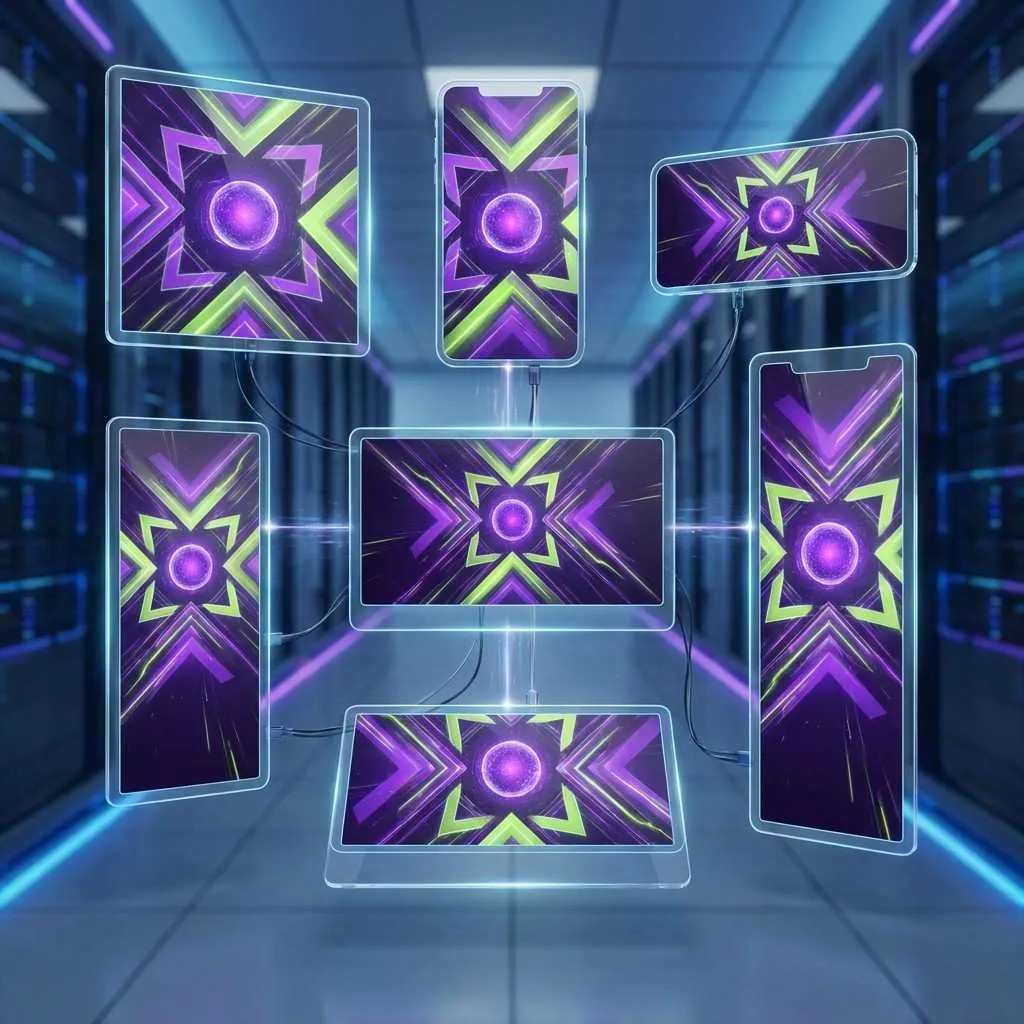
Multi-Format Ad Generation: One Click, Every Platform
The modern marketer's nightmare:
Your campaign needs to run on Instagram (3 sizes), Facebook (4 sizes), LinkedIn (2 sizes), Google Display (15+ sizes), and email (variable widths).
That's 25+ versions of the same ad. manually.
Or was.
At Avocad.xyz, one input generates every format you need—automatically sized, optimized, and ready to deploy.
📐 The Multi-Platform Challenge
Every Platform Has Different Requirements
| Platform | Formats Needed | Aspect Ratios |
|---|---|---|
| Feed, Stories, Reels | 1:1, 4:5, 9:16 | |
| Feed, Stories, Marketplace | 1:1, 4:5, 9:16, 1.91:1 | |
| Feed, Sponsored | 1:1, 1.91:1 | |
| Google Display | 15+ standard sizes | Various |
| Twitter/X | Feed, Header | 1:1, 2:1 |
| Standard, Idea pins | 2:3, 9:16 |
Traditional Approach
Each size requires:
- Manual resizing and repositioning
- Text adjustment for readability
- Element rebalancing
- Quality checks per format
Time per campaign: 4-8 hours of design work
🚀 How AI Multi-Format Generation Works
Step 1: Create Once
Enter your website URL → AI extracts brand identity → Generate base creative.
Step 2: Automatic Adaptation
AI intelligently adapts your design:
| Challenge | AI Solution |
|---|---|
| Different dimensions | Smart cropping and repositioning |
| Text scaling | Automatic size adjustment |
| Element placement | Responsive layout adaptation |
| Visual hierarchy | Maintained across all sizes |
Step 3: Export All
Download every format simultaneously:
- All social media sizes
- Display advertising dimensions
- Email-ready versions
- Print specifications if needed
📱 Platform-Specific Optimization
Instagram
| Format | Dimensions | AI Optimization |
|---|---|---|
| Feed Square | 1080×1080 | Centered composition |
| Feed Portrait | 1080×1350 | Vertical emphasis |
| Stories/Reels | 1080×1920 | Full-screen impact |
Facebook
| Format | Dimensions | AI Optimization |
|---|---|---|
| Feed | 1200×628 | Thumb-stop worthy |
| Carousel | 1080×1080 | Swipe-compelling |
| Stories | 1080×1920 | Immersive design |
Google Display
| Size | Usage | AI Approach |
|---|---|---|
| 300×250 | Medium rectangle | Essential elements only |
| 728×90 | Leaderboard | Horizontal layout |
| 160×600 | Skyscraper | Vertical stacking |
| 320×50 | Mobile banner | Maximum impact, minimum space |
💡 Best Practices
Design Principles That Scale
- Simple compositions adapt better across formats
- Central focal points survive cropping
- Flexible text allows resizing without breaking
- Strong brand marks remain visible at all sizes
What to Avoid
- ❌ Complex layouts with many elements
- ❌ Text too close to edges
- ❌ Small logos that disappear in mobile
- ❌ Detailed imagery that loses meaning when cropped
📊 Time Savings Example
Campaign: Product Launch
| Task | Manual | AI-Powered |
|---|---|---|
| Design base creative | 4 hours | 5 minutes |
| Resize for 20 formats | 6 hours | Automatic |
| Quality check all | 2 hours | 15 minutes |
| Revisions | 3 hours | 5 minutes |
| Total | 15 hours | 25 minutes |
Time saved: 97%
🏁 Conclusion
Multi-platform advertising shouldn't require multi-platform design work.
AI multi-format generation at Avocad.xyz means:
- One input → Every platform covered
- Automatic optimization → Each size is perfect
- Instant delivery → Launch faster than competitors
One click. Every platform.
Visit Avocad.xyz and generate ads for every channel.
💬 FAQs
1️⃣ Are all formats generated simultaneously?
Yes. When you generate an ad, all format variations are created in the same session.
2️⃣ Can I customize individual formats?
Yes. AI provides a starting point; you can adjust any specific format as needed.
3️⃣ What about platform-specific best practices?
AI incorporates platform guidelines—safe zones, text limits, and composition rules.
Published by Avocad.xyz - Your personal AI-powered design agency.